Virtual Account Deposit Simulation
🛠️ Test Guide
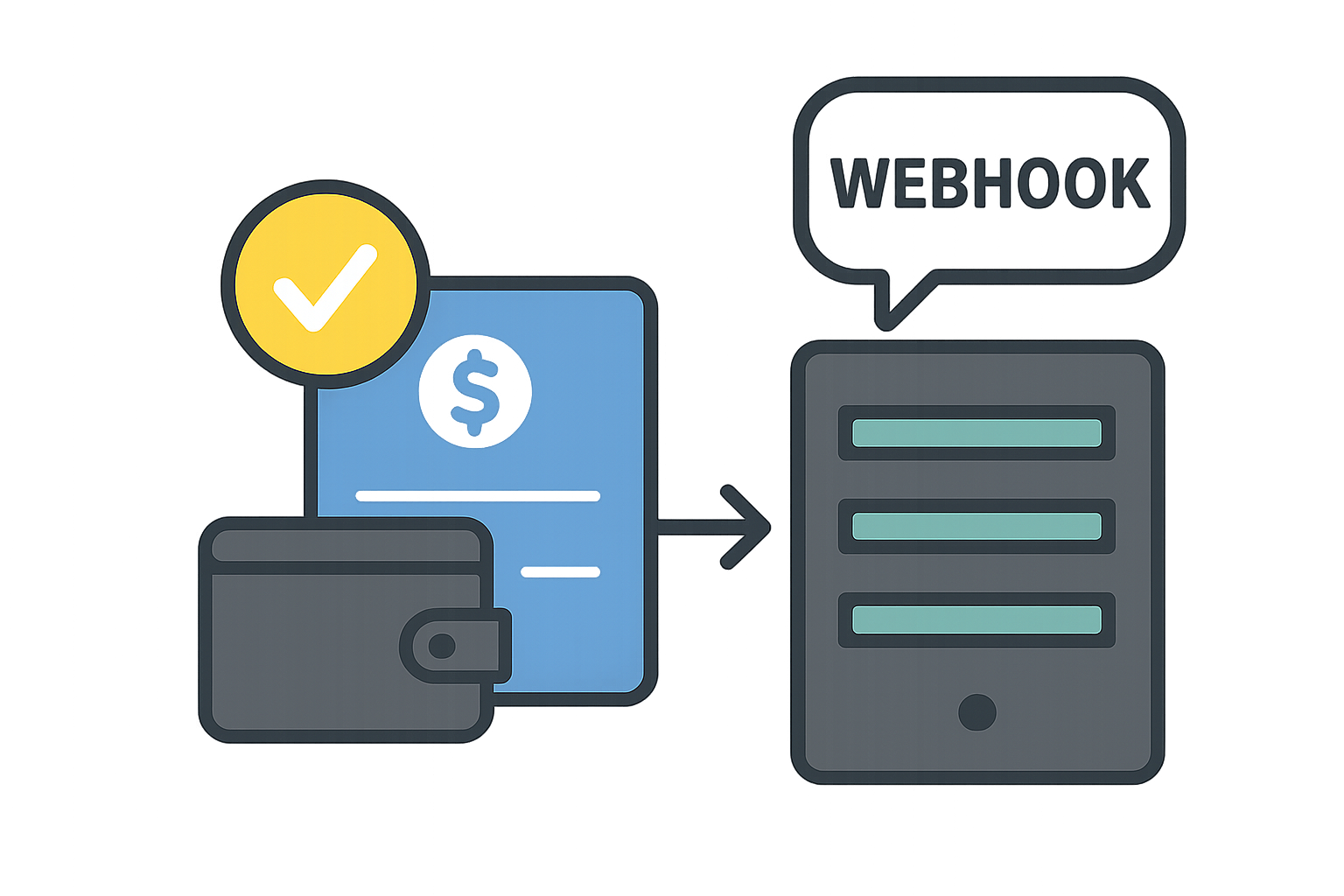
The Virtual Account Deposit Simulation tool forces a "Deposit Complete" signal for accounts issued in the Sandbox environment.
- Issue Virtual Account: First, obtain a virtual account number via the API.
- Enter Information: On the simulation page, enter the
Issued Account Numberand theDeposit Amount. - Execute Deposit: Click the 'Deposit' button to send a deposit completion notification to your registered Noti URL (Webhook).
Important Precautions
- This tool is for Sandbox (Test) use only. It cannot be used with accounts on the Live (Production) server.
- The entered amount must exactly match the amount requested during account issuance for the deposit to be processed (matched) successfully.